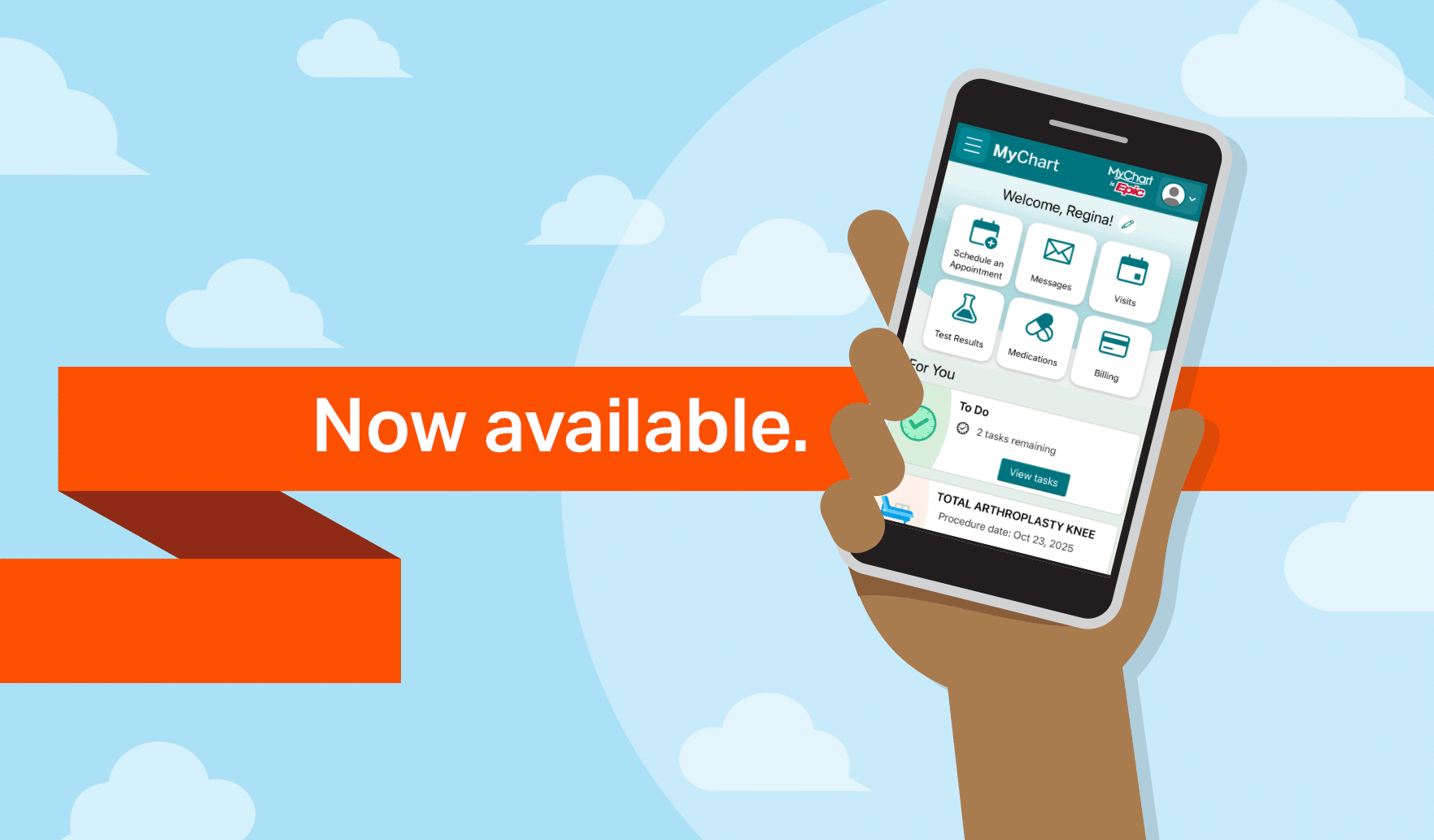
All of your health information in one place
See your medications, test results, upcoming appointments, bills and statements, and much more – even if you’ve visited multiple locations.
Find the care you need, and schedule appointments fast
Make appointments with some providers, fill out forms ahead of time, and locate the nearest urgent care clinic or emergency room when you need it. And when life happens, it’s easy to reschedule or cancel a visit.
Connect with your doctor from anywhere
Send messages and interact with your providers, or arrange an in-person follow-up, depending on the level of care you need.
Take care of your children and other family members
Easily keep tabs on appointments for family members from your account.
Features of MyChart
Billing
- Billing account summary
- Pay your bills
- Set up payment plans
- View payment history
- Sign up for paperless billing
- Request financial assistance
- Ask billing questions
- Download itemized bill
Health Record & Information
- Download your medical record
- Review and update your medical history
- Read your current health summary
- See your medications
- Review test results
- See your immunizations
- Use the symptom checker
- Get your care plan
- Link health accounts
- Share your records
Messaging & Questions
- Communicate with your care team
- Receive medical advice
- Contact customer service
Visits & Scheduling
- View upcoming and past appointment details
- Check in ahead of time (eCheck-In)
- Fast Pass notifications about earlier appointment options
- Add yourself to the waitlist
- Cancel an appointment
- Receive preventive care reminders
- Keep track of tests and procedures
Frequently Asked Questions
Important
Starting July 13, 2026, MyChart was open for patients to activate their accounts. However, medical records and most MyChart features will not be visible until July 25, 2026. At that time, new test results, visit information, and other health records will begin appearing in MyChart. Historical records from visits and care received before July 25 will be added in stages and are expected to be fully available by mid-November 2026.
Getting started
What is MyChart?
UAB Medicine is moving to a new electronic health record (EHR) system called Epic, which eventually will be used across our health system.
As part of this change, a new secure patient portal called MyChart will replace current portals. It gives you a convenient way to view your medical record, communicate with your care team, and manage many of your healthcare needs online. You can use it through the MyChart website or by downloading the MyChart app from the Apple or Google Play app store on your smartphone or tablet.
With MyChart, you can:
- Send non-urgent messages to your care team
- View your test results and visit summaries
- See current medications, allergies, immunizations, and other health information
- View upcoming appointments
- Complete forms before some visits
- View and pay your bills
- Access family records (with the proper permission)
- Link records from other participating organizations, when possible
- And much more
Who can use MyChart?
MyChart eventually will be available to patients across UAB Medicine. It will first be available to UAB St. Vincent’s patients starting in July 2026. In 2027, it will be rolled out at:
- UAB Hospital and clinics
- UAB Medical West
- Cooper Green Mercy Health Services
- UAB Hospital-Callahan Eye and clinics
- The UAB schools of Nursing, Dentistry, Optometry, and Health Professions
- The University of Alabama College of Community Health Sciences
What do I need to use MyChart?
- A computer, smartphone, or tablet
- Internet access
- An up-to-date web browser or the MyChart mobile app
How do I sign up for MyChart?
Beginning July 13, 2026, you can sign up for MyChart in several ways:
- Use an activation code. Patients may ask a staff member for information on how to sign up. Also, most patients will automatically receive an activation code via email or text after a medical appointment or hospital stay. Once you have an email or text with an activation code, click on the link included with it to visit the registration page and create your account.
- Use the MyChart app. Download the MyChart app from the Apple or Google Play app store and follow the instructions.
Will I automatically be enrolled in MyChart if I already have an account with the current portal?
No, you will not be automatically enrolled and will need to create a new account.
If I already have a MyChart account through another hospital or care provider, do I need to create a new account?
Yes, you will still need to create a new MyChart account with UAB Medicine. In most cases, you will be able to link these accounts, so that you have access to your medical records at multiple locations from a single account.
Am I required to use MyChart?
No. MyChart is a secure and convenient way for you to access your health information and communicate with your providers, but using it is optional.
Your current portal & moving to MyChart
What will happen to the current portal?
MyChart will replace all current portals. You will still be able to access your past health information in the current portal, in case you need to review this historical data.
Will MyChart include my existing health records?
Starting July 13, 2026, MyChart was open for patients to activate their accounts. However, medical records and most MyChart features will not be visible until July 25, 2026. At that time, new test results, visit information, and other health records will begin appearing in MyChart. Historical records from visits and care received before July 25 will be added in stages and are expected to be fully available by mid-November 2026.
Using MyChart
Can I message my provider anytime?
Yes, MyChart makes it easy to communicate with your care team on your schedule. You can send non-urgent messages, ask follow-up questions, request prescription refills, and read updates from your provider’s office. Your provider will respond within two business days in most cases.
If you need immediate medical attention, call 911 or visit a nearby emergency room if you have a medical emergency.
Can I still call my provider?
Yes. MyChart simply provides an additional way for you to contact your provider.
Will I receive notifications through MyChart?
Yes, you will be notified through MyChart when new records are added or a provider sends you a message. You will have the ability to adjust your notification preferences within your MyChart account settings.
Medical records & results
How quickly will I be able to see my test results?
Many test results appear as soon as they are available. In some cases, you may see a result before your provider has reviewed it. If you have questions about the test result, please contact your care team through MyChart or by phone.
What records can providers see?
Providers have access to your full medical record, to help provide the best possible care. If you have received care at other facilities, your providers might be able to see your information from these other locations, if both organizations use MyChart.
What if MyChart contains old or incorrect patient information?
You should contact your provider and ask for the information to be corrected or updated.
How do I request my records that are not in MyChart?
Billing & payments
Can I pay my bills using MyChart?
Yes, you will be able to pay your future bills through MyChart. However, outstanding balances from before the transition to MyChart must be paid through the previous patient portal or facility website. You should visit uabstvincents.org/billing to pay outstanding balances for care provided before the transition to MyChart.
Family access & age requirements
What is proxy access?
Proxy access allows one person to view or help manage another person’s MyChart account. This may be helpful for parents or guardians managing a child’s care, adult children helping a parent, or spouses or care partners helping one another.
You do not have to be a UAB Medicine patient to create a MyChart account.
Can I access my family member’s MyChart account?
In some cases, yes. With the right permission, you may be able to view another person’s health information through proxy access. What you can see may depend on the patient’s age, your relationship to the patient, and privacy laws that apply.
You do not have to be a UAB Medicine patient to create a MyChart account.
How do adults share access with another adult?
Adult patients may choose to give another adult access to their MyChart account. If both adults have active MyChart accounts, the patient can send a proxy invitation through MyChart. The person receiving access must accept the invitation through his/her own MyChart account.
If the patient cannot send the invitation for whatever reason, proxy access may need to be requested through the clinic or the MyChart support process.
Will I have access to my baby’s MyChart account?
Babies born at UAB St. Vincent’s facilities will automatically have a MyChart account created for them at birth. In most cases, the birthing parent will automatically receive proxy access to view the baby’s health information in MyChart.
This type of automatic proxy access may be affected by court orders, adoption agreements, or surrogacy agreements.
Can parents or guardians access a child’s MyChart account?
Parents and legal guardians may request access to a minor child’s MyChart account. This is done by completing the MyChart proxy request process. Once approved, the child’s account will appear as a linked account in the parent or guardian’s MyChart account.
In most cases, parents and guardians have full proxy access until the child turns 19. Once the child turns 19, parent or guardian access is automatically removed, to protect the patient’s privacy.
Can teens have their own MyChart account?
Patients may create their own private MyChart account starting at age 16. Privacy rules may limit what parents or guardians can see in some situations.
Are any test results hidden from proxy users?
Yes. Some confidential information will not be shown to proxy users, even when proxy access is approved. This may include certain sensitive test results, such as pregnancy testing or testing for sexually transmitted infections.
Can proxy access be changed or removed?
Yes. Adult patients can change or remove proxy access at any time.
Will proxy access let someone see billing information?
No. Proxy access does not automatically give someone access to billing statements, payment plans, or other financial information. Billing access may depend on whether the person is listed as the guarantor for the account.
Privacy & security
Is MyChart secure?
MyChart is a secure portal, and your account is protected with your own login, including username, password, and two-step verification. All information is stored safely, including messages between you and your providers.
Technical help
What if I forgot my username or password or need other technical assistance?
For technical issues or questions about creating or using your MyChart account, please visit uabstvincents.org/mychart or call UAB Medicine MyChart Support at 844-822-4748. Support is available 24/7.